Outlook Grammar Checker and Writing Assistant

Outlook is one of the most important places where business writing happens every day. Linguix helps you improve emails, calendar follow-ups, and professional messages directly inside Outlook with grammar corrections, clarity suggestions, and quick rewrites. That means cleaner communication, fewer mistakes, and more confidence before every send.

Start for free and write clearer emails in Outlook with Linguix.
Add to Other

How Linguix helps teams write better in Outlook

  • Write clearer content in Outlook

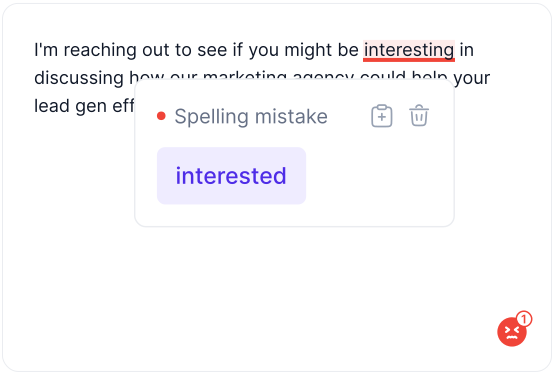
    With the Grammar Checker for Outlook, teams can review emails, calendar follow-ups, and professional messages for grammar mistakes, spelling issues, and awkward wording before anything is shared.

    Linguix works directly inside Outlook, so users can improve writing in context and keep communication clear, polished, and easier to act on.

    Write clearer content in Outlook in Outlook
  • Get smarter grammar and tone suggestions in Outlook

    Linguix adds AI-based grammar and style suggestions to Outlook, helping teams improve readability, consistency, and tone across everyday writing.

    Instead of sending rough drafts or repetitive phrasing, your team can make messages more precise and professional without slowing down.

    Get smarter grammar and tone suggestions in Outlook in Outlook
  • Rewrite awkward text without leaving Outlook

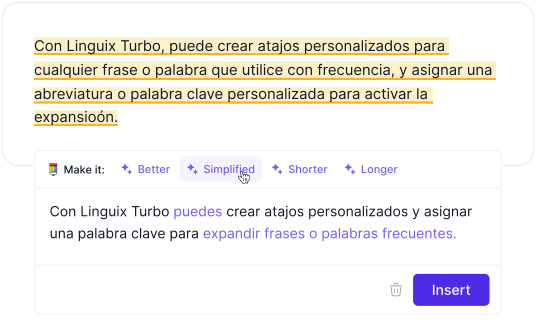
    The paraphrasing tools in Linguix help users rewrite content in Outlook when a message needs to sound clearer, shorter, more detailed, or more diplomatic.

    This is especially useful for busy teams that want to keep communication effective while adapting text to different audiences and situations.

    Rewrite awkward text without leaving Outlook in Outlook
  • Measure writing quality before you send or publish

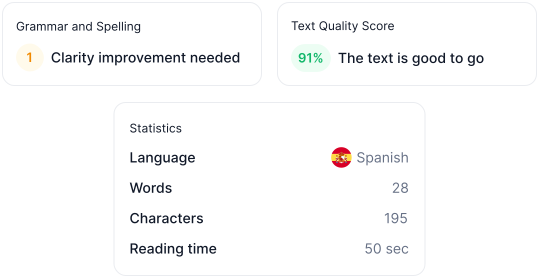
    Linguix’s Content Quality Score helps teams evaluate how strong their writing is inside Outlook by looking at clarity, sentence structure, vocabulary, and tone.

    Use it to benchmark drafts, improve consistency, and raise the overall quality of the content your team creates every day.

    Measure writing quality before you send or publish in Outlook
  • Speed up repetitive writing in Outlook

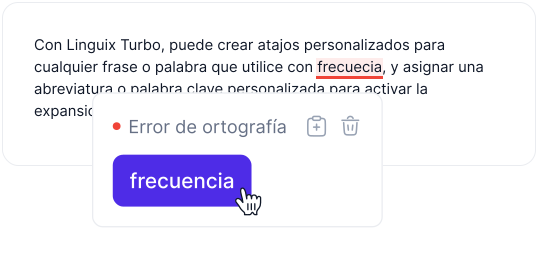
    Shortcuts in Linguix help teams save time in Outlook by expanding reusable snippets for common replies, updates, intros, and standard explanations.

    Create shortcut-based templates once and use them whenever similar writing appears, reducing typing time while keeping communication consistent.

    Speed up repetitive writing in Outlook in Outlook
  • Keep brand and team language consistent

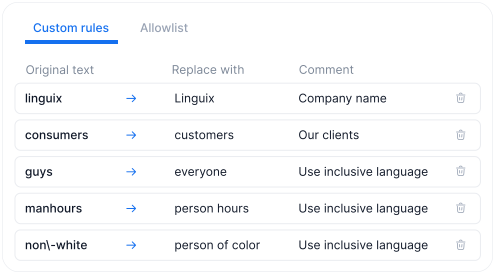
    Style Guide support helps teams standardize terminology, brand language, product names, and preferred phrasing inside Outlook.

    This is useful when multiple people write in the same workspace and you need every message to follow the same tone and naming rules.

    Keep brand and team language consistent in Outlook
  • Improve writing quality across your team

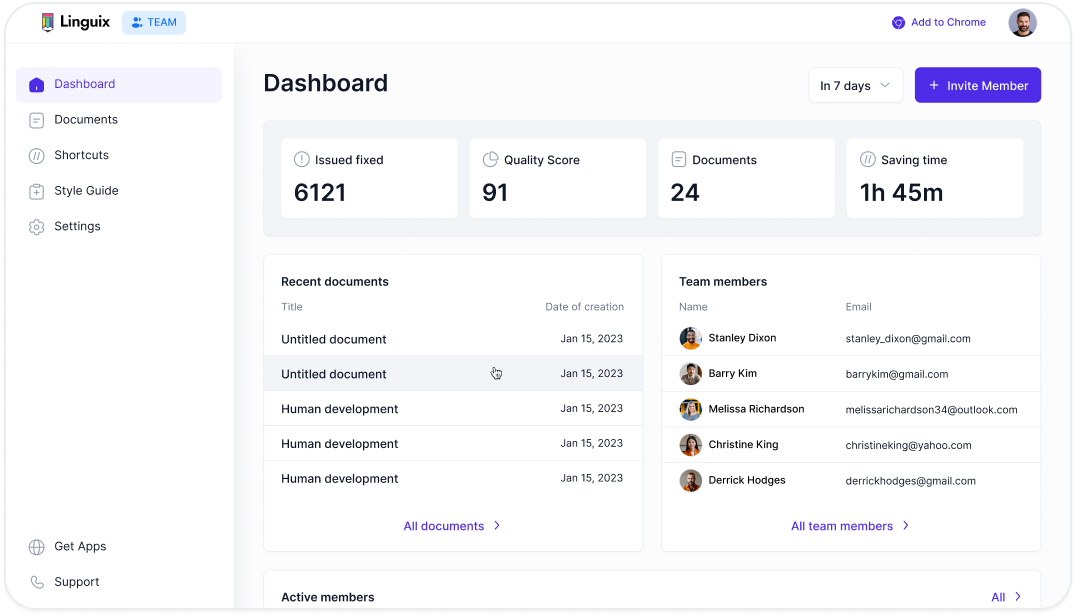
    Team insights in Linguix make it easier to track writing quality in Outlook across users, monitor common issues, and identify where coaching may help.

    These visibility features support stronger internal standards and help managers improve the quality of written communication over time.

    Improve writing quality across your team in Outlook
  • Work Everywhere with Outlook

    Linguix works in Outlook and across the rest of your workflow, helping your team keep writing consistent in email, docs, chat, CRM tools, and more.

    Work Everywhere with Outlook in Outlook

FAQ about Linguix for Outlook

Does Linguix work with Outlook?

Yes. Linguix helps users improve grammar, spelling, clarity, tone, and rewrites while writing in Outlook. The experience depends on how your team uses the browser extension and web-based workflows.

What can Linguix help me write in Outlook?

Linguix is useful for daily writing across workflows, internal updates, and customer-facing messages in Outlook. It can help polish rough drafts, shorten repetitive writing, and make everyday communication clearer and more consistent.

Can Linguix rewrite text in Outlook?

Yes. Linguix can suggest rewrites that make text clearer, more concise, more professional, or better aligned with the audience you are writing for in Outlook.

How do teams use Linguix with Outlook?

Teams usually use Linguix to reduce writing mistakes, standardize terminology, speed up repetitive messages, and keep communication quality high across Outlook and the rest of their workflow.


Install Linguix for Outlook

Install Linguix for Outlook

Add Linguix to improve grammar, spelling, tone, rewrites, and writing quality in Outlook and across the rest of your workflow.

Start it's free